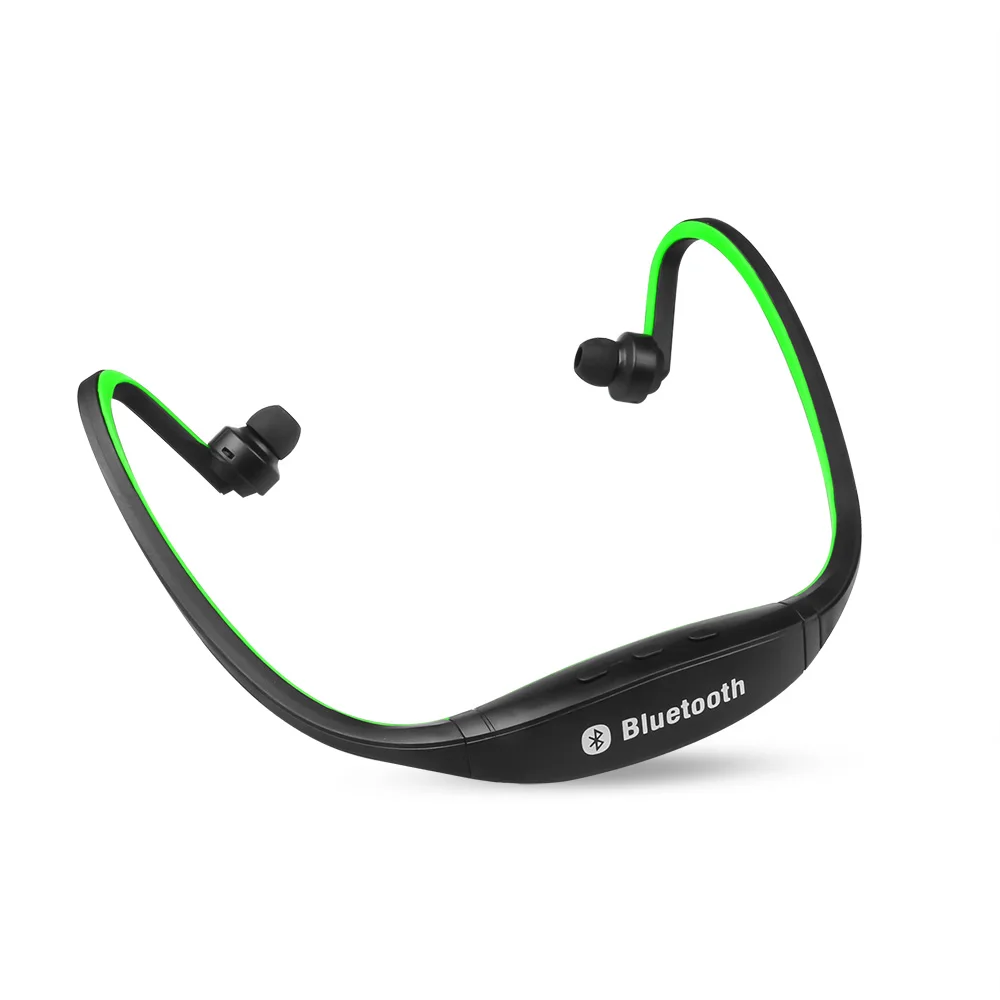
Wireless Sports Neckband Earphone Bluetooth Running Headset With Mic Handsfree Stereo Earpieces For Huawei Samsung Xiaomi
This Fashionable Sports Hands-free Wireless Bluetooth Headphone is suitable for all Bluetooth enabled devices, you can listen music from phone (for iphone, for nokia, for samsung, for htc and so on), for ipad,for pad,for Mac Air/Pro after paired and you can phone call, reply after paired, it has double built-in MIC.
Features:
1. Wireless appreciate the play stereo music phone
2. The wireless set aside to answer phone calls
3. Wireless stereo music playback to listen to the computer
4. Use of the network for remote wireless two-way conversation
5. Wireless listen to stereo music, set aside to answer the call automatically converted
6. High-fidelity, CD quality sound effects
7. Remote control music playback status
8. High sensitivity, omni-directional microphone design, clear voice, no echo
Specifications:
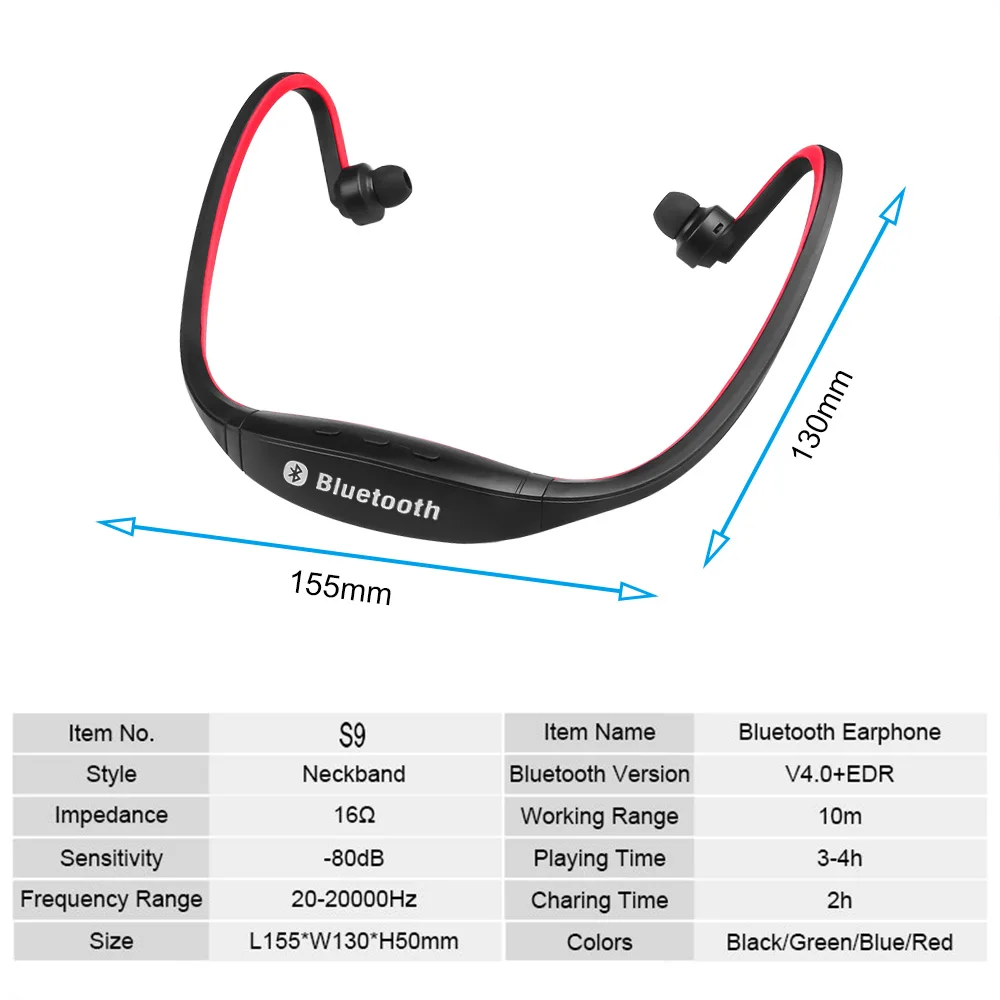
1. Bluetooth Version: Buletooth 3.0 + EDR, wireless transmitter standard of class II
2. Frequency Coverage: 2.402-2.480GHz ISM band
3. Sensitivity: -80dbm
4. Transmit Range: up to 10m
5. Transmit Speed: 57-723Kbps
6. Stereo Compression Ratio: 44.1/ 48kHZ
7. Channel: 79 channels of 1MHz, B/W
8. Contact Terms: Point-to-Point
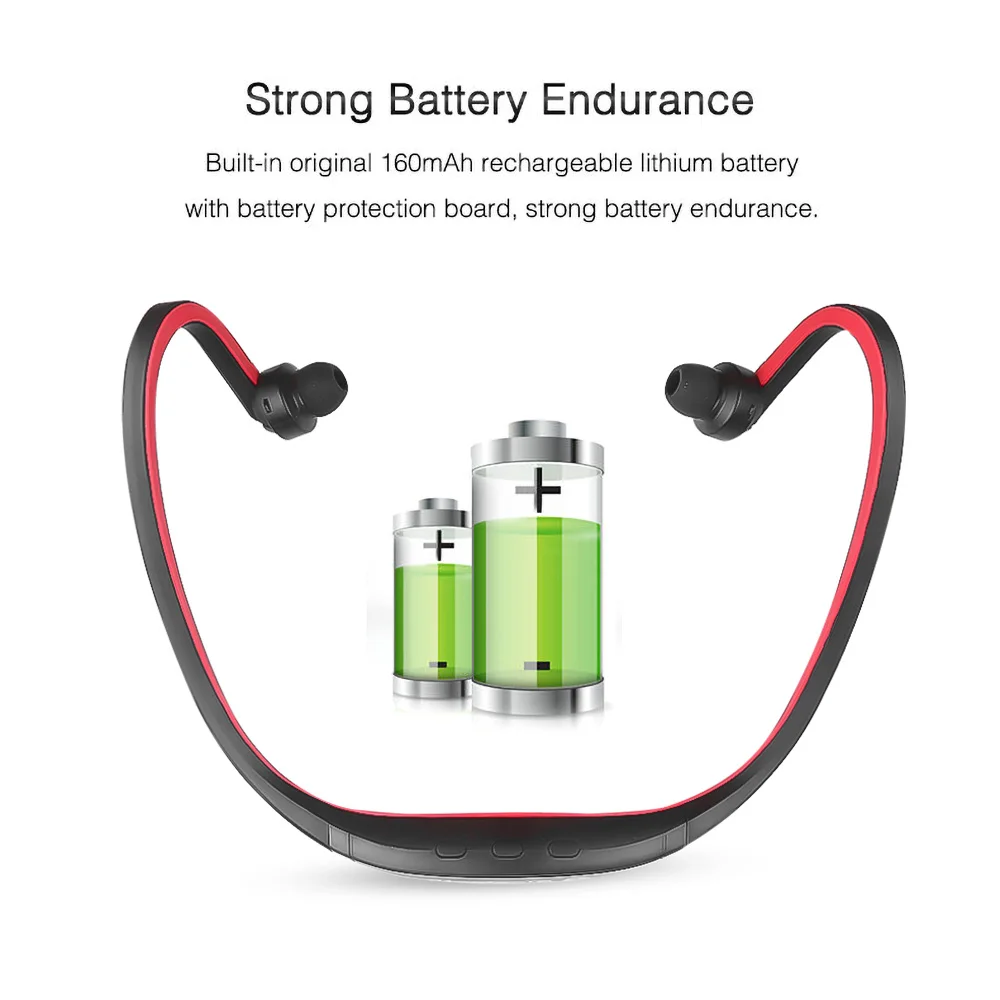
9. Battery: Built-in Rechargable Li-ion Battery
10. Charge Power : PC USB, 5V
11. Charging Time: 1-2 hours
12. Stand By Time: 4 days
13. Working Time: 3-4 hours
14. Charging Time: 1-2 hours
15. Charge Power : PC USB, 5V
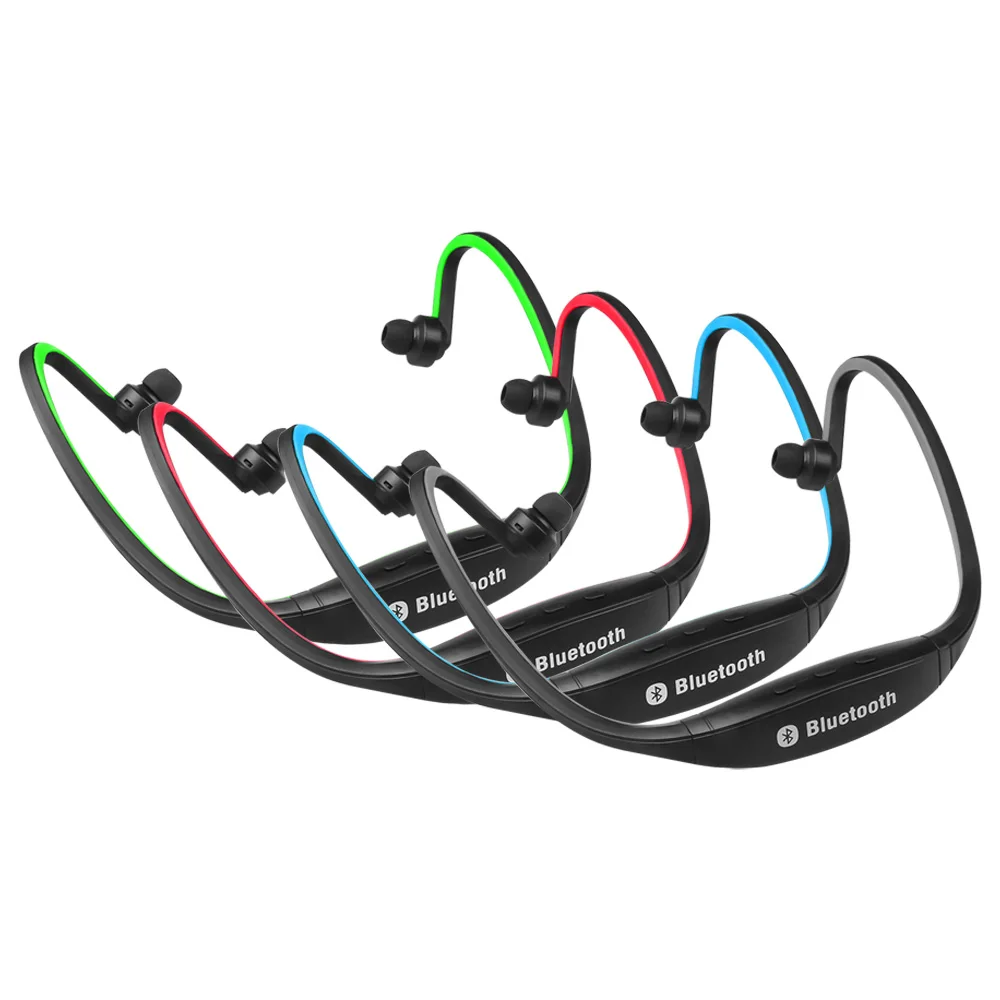
16. Color: Mainly Green and Black (as shown in the pictures)
Compatible Models:
- for iPhone 5S/ 5C/ 5/ 6/6S/ 7
- for iPad 1st, 2nd, 3rd, 4th, for iPad Mini
- iPod Touch 4th/ 5th/ Nano 7
- for Sony Xperia L36h L36i Z Ultra XL39h Z1 L39h
- for Samsung Galaxy S1 S2 S3 S4, Note 1/ Note 2/ Note 3, Tab Series
- for HTC One M7 Desire X Series S V
- for Lumia 800 820 900 920
All of devices which have the Bluetooth Function, such as Tablet PC, Laptop, PSP, TV, Computer, etc.
How to use it:
Charging the Headphone:
You must charge the battery fully before using the headphone for the first time.
1. Connect the USB charging cable to the USB charge port of the headphone.
2. The light indicator will turn into red when charging.
3. The full charge takes about 2 hours.
4. The red light indicator goes out and the light indicator turns into green when charging completed.
Power ON/ OFF the Headphone:
- Power ON: Press the button "Play/ Pause" for about 2-3 seconds until the yellow indicator light is flashing.
- Power OFF: Press the button "Play/ Pause" for about 2-3 seconds until the red light indicator flash and then goes off.
Pair to your Smartphone:
1. Press the button "Play/ Pause" for about 4 seconds until the red and yellow lights start flashing alternately.
2. Turn on the Bluetooth function of your smartphone.
3. Search for the bluetooth devices and select "S9-HD".
4. Enter the code "0000" if needed.
5. If paring is successful, yellow light indicator starts flashing.
Answering a Call:
- For iPhone Users:
Selection 1. Press the button " Play/ Pause" of the headphone.
Selection 2. Press the "Answer" button of your iPhone and check your iPhone call menu. Look for the audio source and select the headset "S9-HD".
- For Android User (such as for Samsung, for HTC, for Sony etc.):
Selection 1. Press the button " Play/ Pause" of the headphone.
Selection 2. Press the "Answer" button of your phone.
Ending a Call:
- Press the button "Play/ Pause".
Rejecting a Call:
- Press the button "Play/ Pause" for 2 seconds, then release.
Redialing the Last Called Number:
- Double press the button "Play/ Pause".
Playing Music:
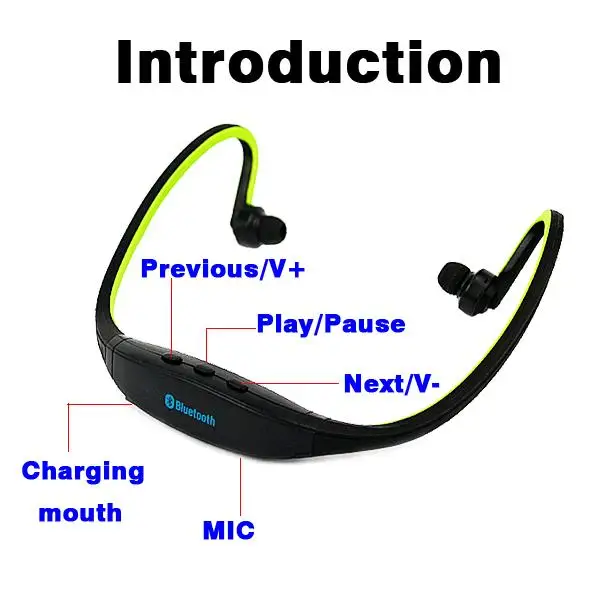
When you are listening to the music, you can press the buttons "Play, Pause, Previous Song, Next song" to select your optimal performance and control the volume.
1. Next Song: Long press the button "Next song".
2. Previous Song: Long press the button "Previous Song".
3. Volume Up; short press the button "Next song".
4. Volume Down: short press the button "Previous Song".
FAQ:
1. The headphones can not be charged.
Try the other USB charging cable or AC adapter to see if it is the USB cable or AC adapter that does not work.
2. The headset(S9-HD) Bluetooth devices could not be found.
Please make sure that the headphone is in pairing mode. Press the button "Play/Pause" for about 4 seconds until the red and yellow lights start flashing alternately.
Note:
You need to pair the Bluetooth headphone to your smartphone for the first time. The headphone will connect to your smartphone automatically the next time when you turn it on. (Press the button "Play/Pause" for about 2-3 seconds until the yellow indicator light is flashing, then the headphone will connect to the smartphone automatically.)
This item can pair to two device at the same time! If there is coming a call, the music will stop automatically.
Package Included:
1 x Sports Bluetooth Headphone
1 x Mini USB Cable for charging
we don't offer retail box.